
Download Word Search Challenge – Word Puzzle Game, Brain Training, Addictive Gameplay
Overview
Word Search Challenge is a mobile word puzzle game designed to deliver an engaging and mentally stimulating experience for users of all ages. The app centers around the classic word search format, where players must locate and identify hidden words within a grid of letters. It serves as a tool for cognitive development, vocabulary expansion, and stress relief through playful mental exercise. The game is particularly beneficial for individuals seeking a screen-based activity that promotes focus, pattern recognition, and spelling accuracy without the distractions of ads or in-app purchases.
Target users include children, students, educators, and adults who enjoy casual brain games. Its accessibility makes it ideal for classroom use, family game time, or personal leisure. The game’s design emphasizes inclusivity, with three difficulty levels to accommodate varying skill levels. While the developer did not provide additional background information, the app’s release date of March 30, 2022, indicates it has been on the market for over two years, suggesting stability and user retention. The absence of data collection and monetization through ads or purchases enhances its appeal as a safe and privacy-conscious tool.
Within the mobile app ecosystem, Word Search Challenge occupies a niche in the educational and casual gaming space. It fills a demand for ad-free, offline-capable puzzle games that prioritize user experience over profit. Its availability on PC and Xbox also broadens its reach beyond mobile devices, positioning it as a multiplatform utility for mental engagement. The game’s ability to function without an internet connection makes it ideal for travel, downtime, or environments with limited connectivity.
Key Features & Functionality
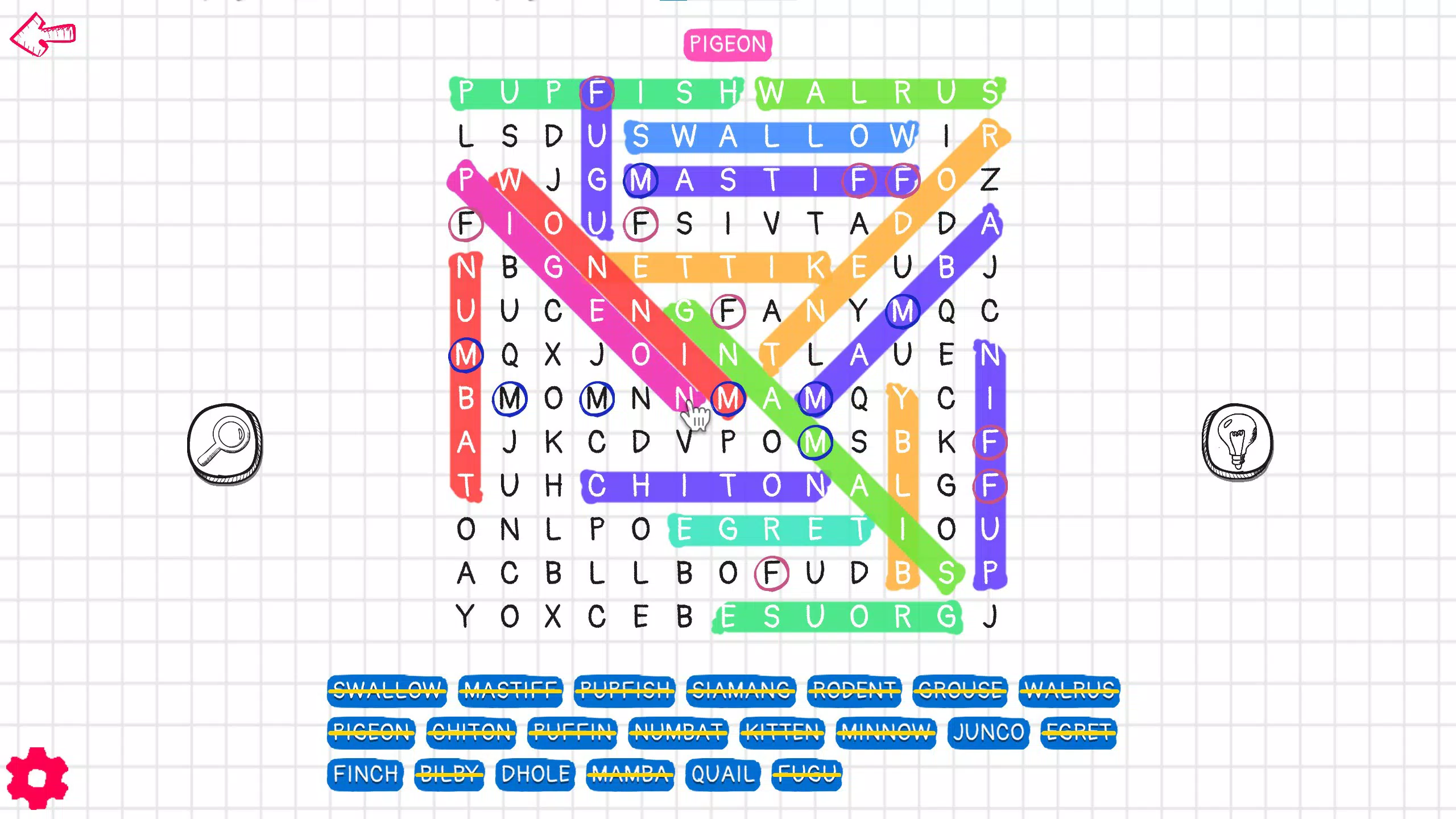
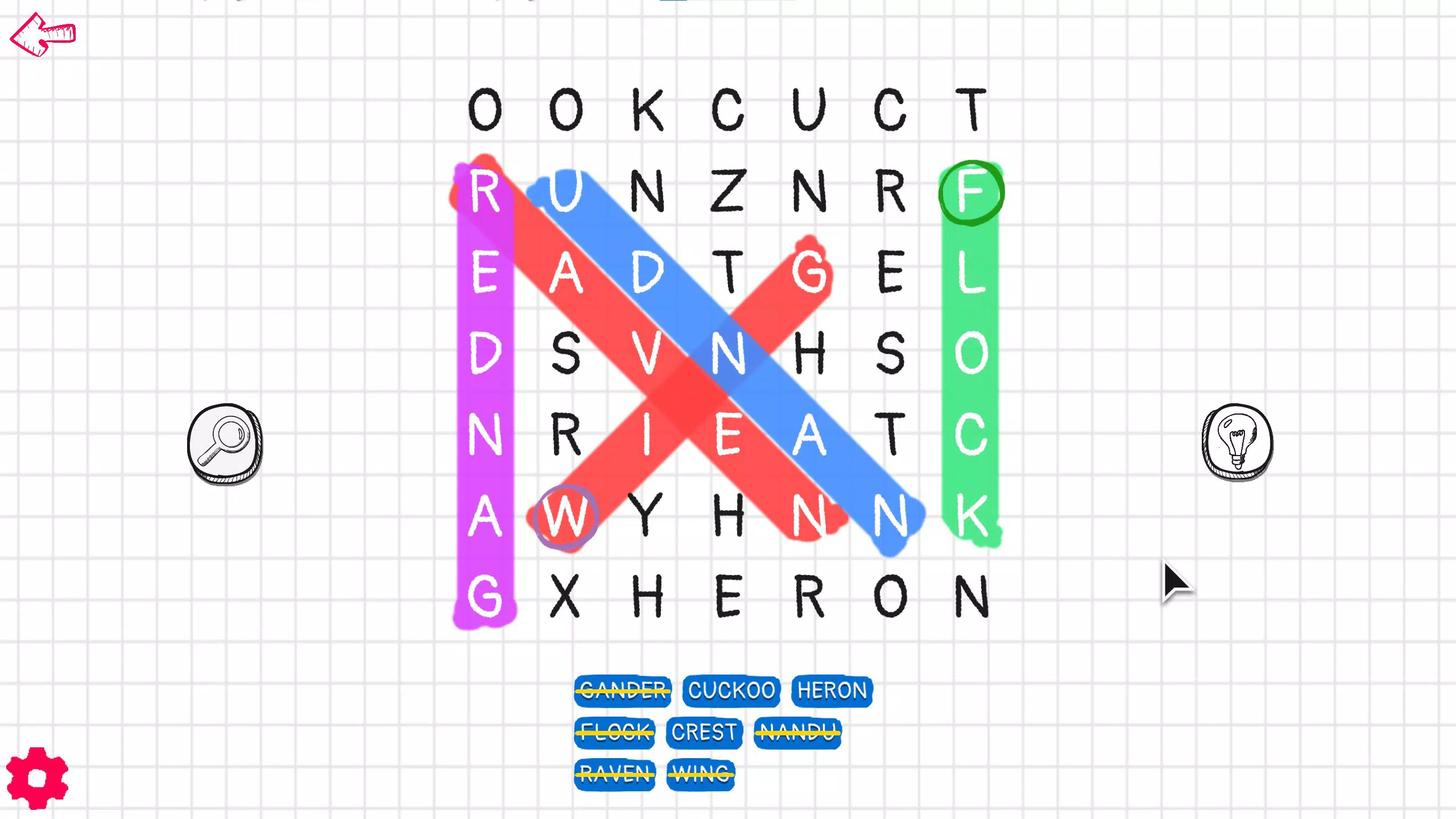
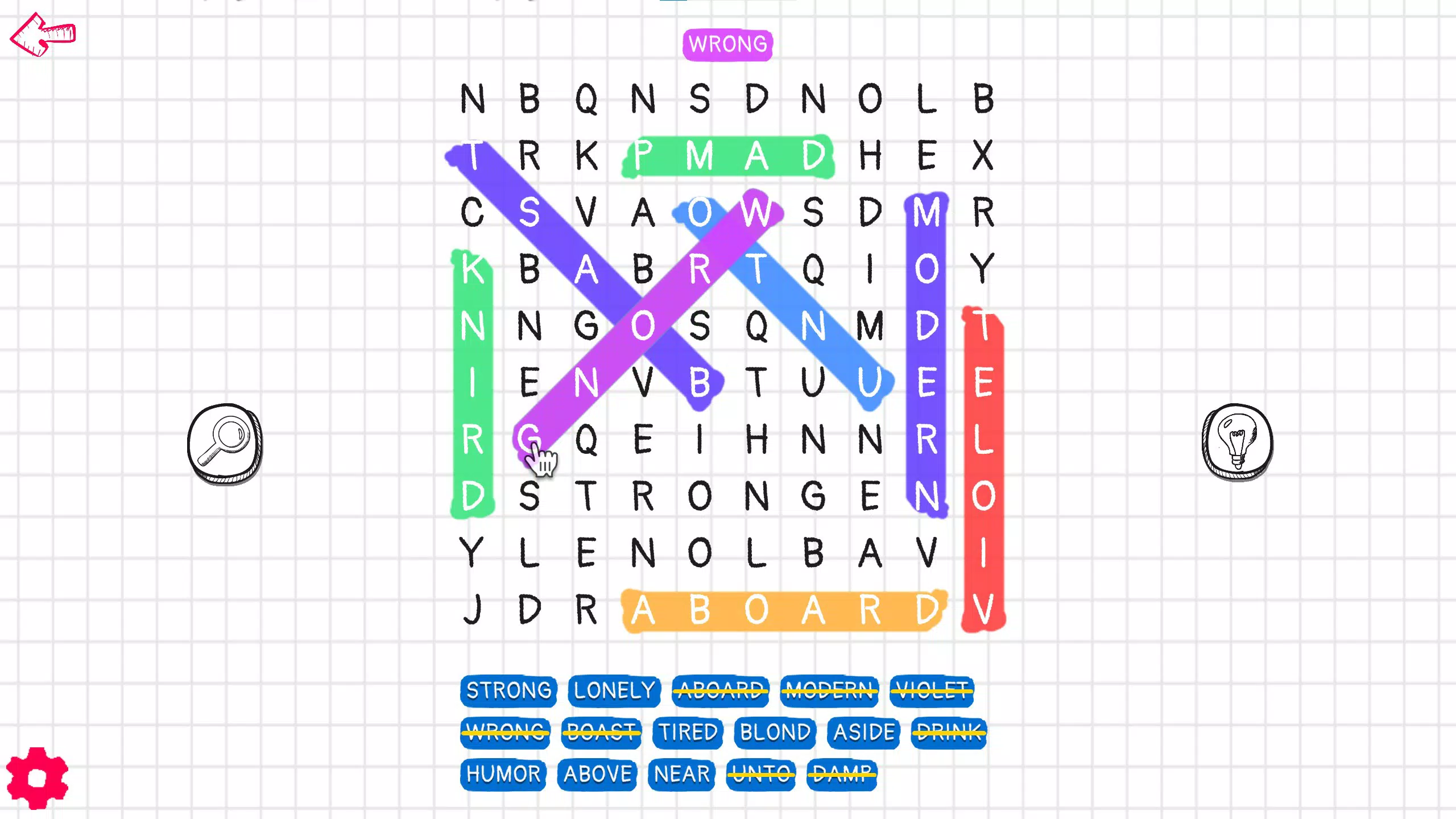
- Three Difficulty Levels: The app offers Easy (7x7 grid), Medium (10x10 grid), and Hard (13x13 grid) modes. Each level increases in complexity, allowing users to progress at their own pace. The Easy mode is well-suited for younger players or beginners, while the Hard mode challenges experienced word finders with dense letter arrangements.
- Ad-Free and Purchase-Free Experience: Word Search Challenge does not include advertisements or in-app purchases. This ensures uninterrupted gameplay and eliminates financial pressure, making it accessible to all users regardless of budget.
- Offline Play Capability: The game functions without an internet connection, enabling users to play anytime, anywhere—on commutes, during flights, or in areas with poor signal.
- Vocabulary and Spelling Development: Each puzzle introduces new words, encouraging users to learn and remember unfamiliar terms. This feature turns gameplay into an educational activity, particularly useful for language learners and students.
- Multiplatform Accessibility: The app supports both PC and Xbox, allowing players to switch between devices seamlessly. This versatility enhances user convenience and extends the game’s usability across different environments.
For example, a student preparing for a vocabulary test can use the Hard mode to practice identifying complex words. A parent might use the Easy level with their child to foster early reading and pattern recognition skills. A retiree could enjoy a daily puzzle to maintain mental sharpness. The absence of data tracking ensures privacy, while the consistent design across platforms maintains familiarity.
Interface, UX & Performance
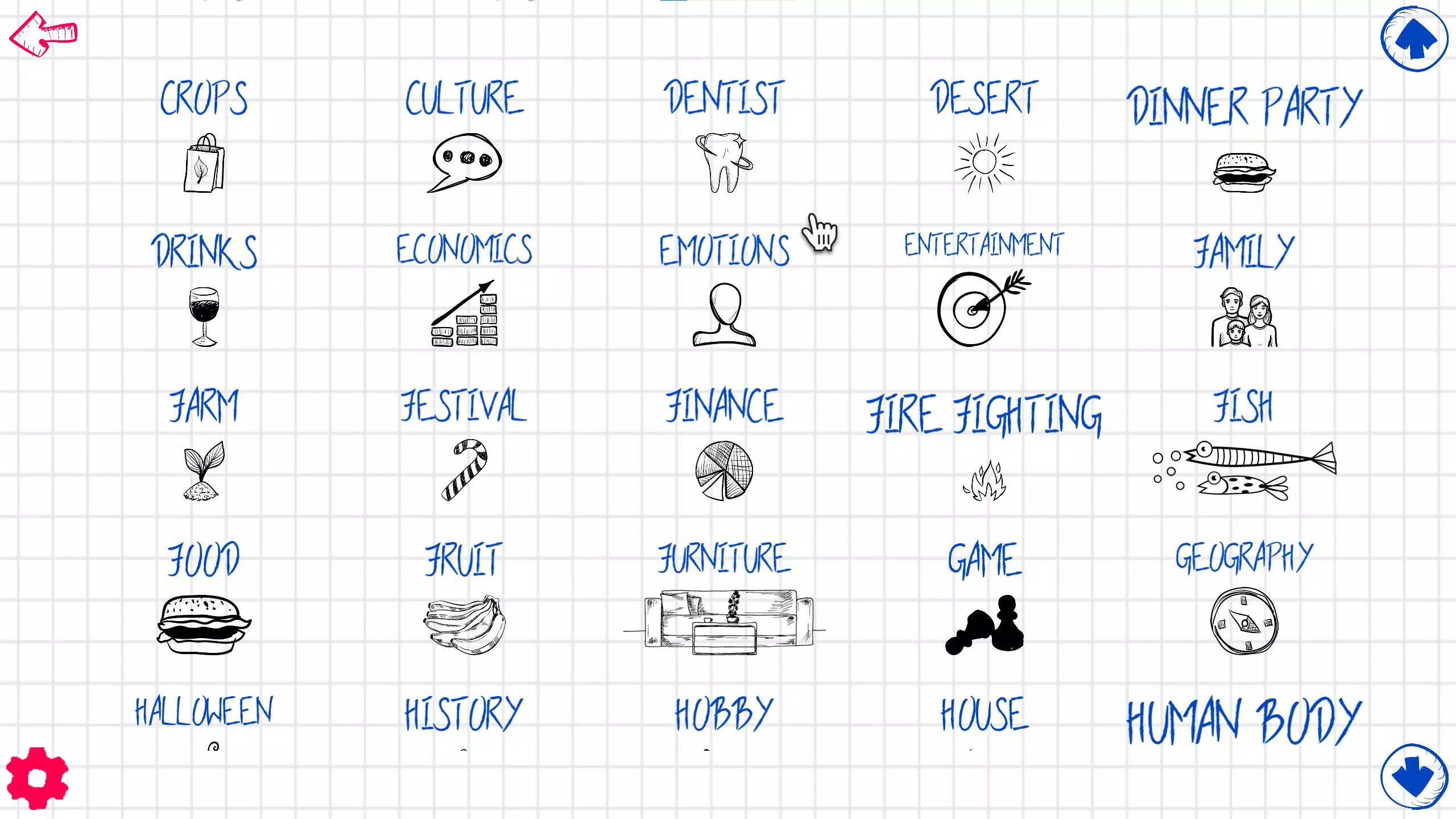
The user interface of Word Search Challenge is clean and intuitive, designed to minimize cognitive load and maximize focus on the puzzle. The grid layout is clearly structured, with letters displayed in a legible font and distinct color contrast between the grid and selected words. Navigation is straightforward: users tap or drag to highlight words, and confirmed selections are automatically marked. The visual feedback is immediate, reinforcing correct choices and reducing frustration.
Navigation flow is consistent across all difficulty levels, ensuring users do not need to relearn the mechanics as they progress. The game’s responsiveness is smooth, with minimal lag during selection and highlighting. Although the developer did not list formal performance metrics, the app’s ability to run offline suggests efficient resource management. It is likely optimized for a range of devices, from budget smartphones to high-end models, though specific device compatibility was not disclosed.
Stability appears to be strong, given the app’s long-standing presence and lack of reported issues related to crashes or freezes. The absence of ads and in-app purchases also contributes to a stable environment, as there are no third-party scripts that could interfere with performance. Overall, the UX is streamlined for accessibility and enjoyment, with minimal onboarding required. The app feels polished and purpose-built, reflecting a user-first design philosophy.
Platform Compatibility & Technical Requirements
Word Search Challenge is available on multiple platforms, including Android and iOS, though specific OS versions were not listed by the developer. The app’s file size is not specified, but given its nature as a puzzle game with static assets, it is likely to be under 100 MB. The software version and release date are known: the latest version was released on March 30, 2022.
The developer did not specify minimum OS requirements or device compatibility details. However, the game’s offline functionality and simple interface suggest it is designed to run efficiently on a wide range of devices. It is also available on PC and Xbox, indicating support for desktop and console operating systems. Compatibility with older devices may vary, but the app’s lightweight nature likely allows it to function on devices with modest hardware specifications.
Pros and Cons
- Ad-free and no in-app purchases
- Offline gameplay available
- Three difficulty levels for varied challenge
- Supports multiple platforms including PC and Xbox
- Encourages vocabulary and spelling improvement
- Simple, intuitive interface
- File size and OS requirements not disclosed
- No progress tracking or user accounts
- Limited customization options for puzzles
- No multiplayer or social sharing features
- Only one game mode available
FAQ
Is Word Search Challenge free to download?
Yes, the app is free to download and use. It does not require payment or subscriptions.
Does the game require an internet connection?
No, Word Search Challenge can be played offline. There is no need for an internet connection to access puzzles.
Is my personal data collected while using the app?
According to the app’s description, no personal data is collected. The game is designed to be privacy-conscious and secure.
Can I play Word Search Challenge on my PC or Xbox?
Yes, the app supports both PC and Xbox platforms, allowing users to play across different devices.
Are there updates for the game?
The latest version was released on March 30, 2022. While no recent updates have been announced, the app remains functional and stable.
Final Thoughts
Word Search Challenge delivers a focused, ad-free, and educational puzzle experience that stands out in a crowded market. Its multiplatform availability, offline functionality, and emphasis on mental engagement make it a valuable tool for users seeking both entertainment and cognitive benefits. The absence of monetization through ads or purchases enhances trust and usability, particularly for families and educators.
While it lacks advanced features like progress tracking or multiplayer modes, its simplicity is its strength. It’s ideal for individuals who want a no-frills, brain-training activity without distractions. Whether you're a student, a parent, or someone looking to stay mentally sharp, this app offers a reliable and rewarding experience.
Download Word Search Challenge now and enjoy a pure, focused puzzle experience—free from interruptions, secure, and built for everyone.


